A small experiment today, and the result surprised me
Input: a few photos of a house, plus one prompt.
Output: a SketchUp model.
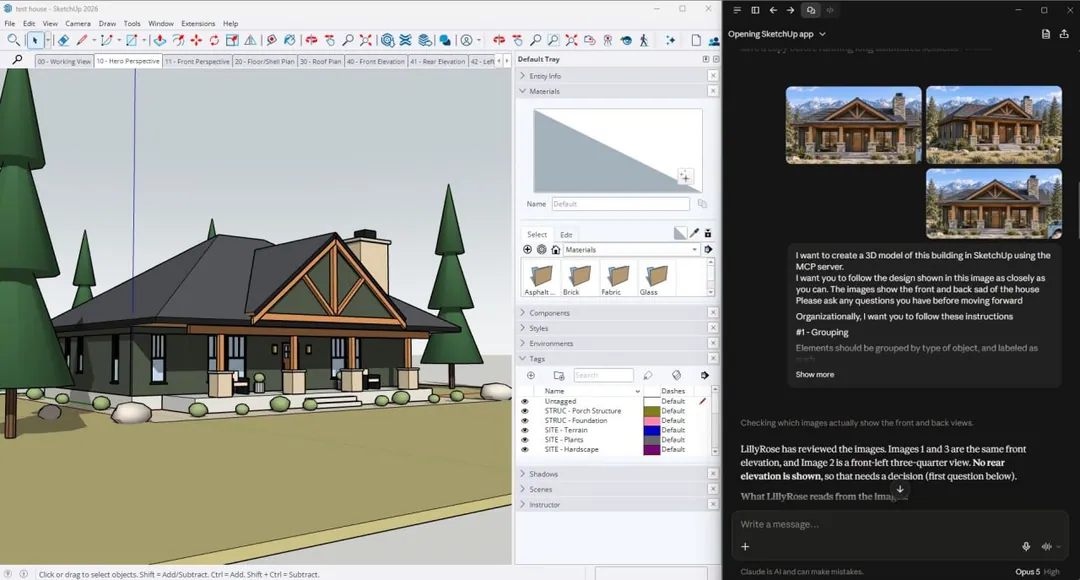
And not a lump of geometry. Windows, doors and posts grouped by type, repeated items made into components, tags split into ARCH, STRUC and SITE, materials applied, and even the scenes numbered in order: 00 Working View, 10 Hero Perspective, 20 plan, 30 roof, 40 elevations, 50 section.
I thought that was the end of it.
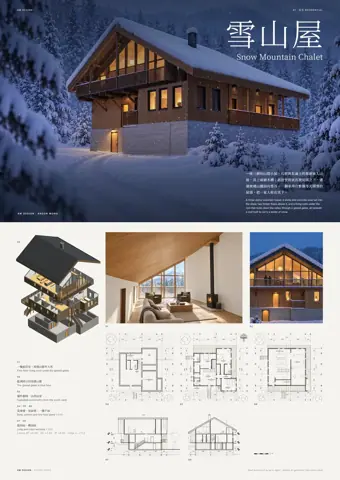
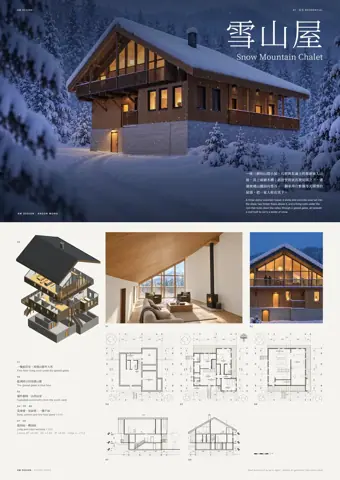
Then it turns out SketchUp has an API that reaches into LayOut. So the AI doesn't stop at the model: it can open LayOut, place viewports, add dimensions and notes, and lay out the sheet as well.
Honestly, I was a bit stunned.
The drawing is still a basic shell plan, in inches, and a long way from a set you would hand to anyone.
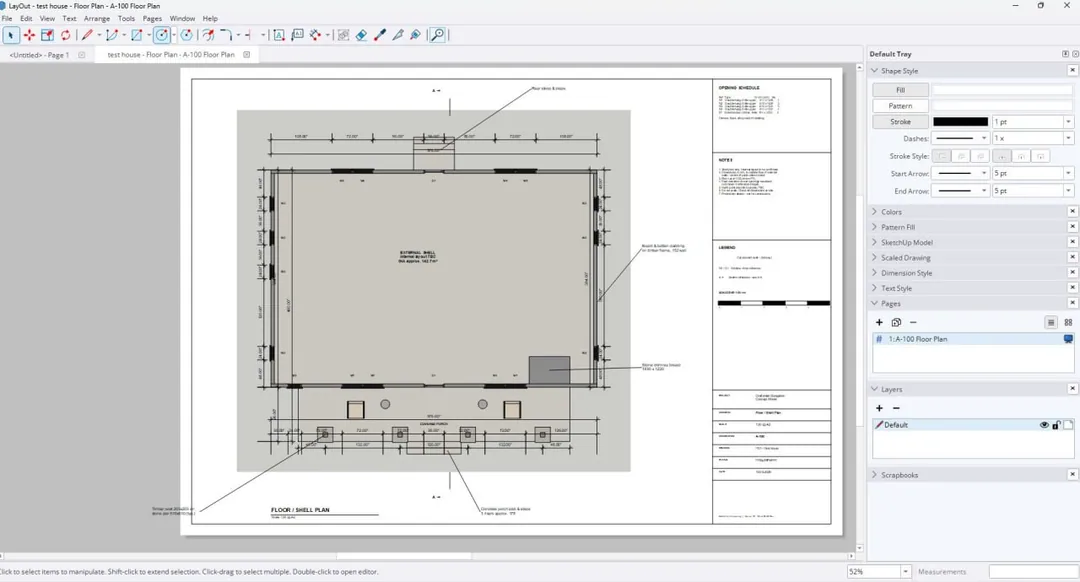
The drawing is still a basic shell plan, in inches, and a long way from a set you would hand to anyone. But from a few photos to a laid-out sheet, the whole route worked in front of me for the first time today.
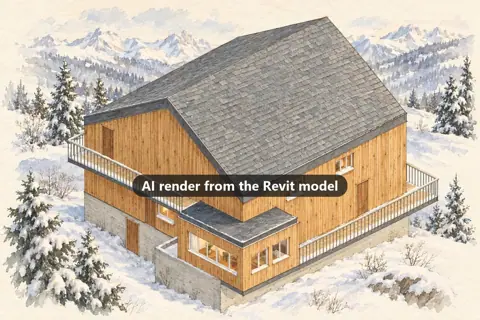
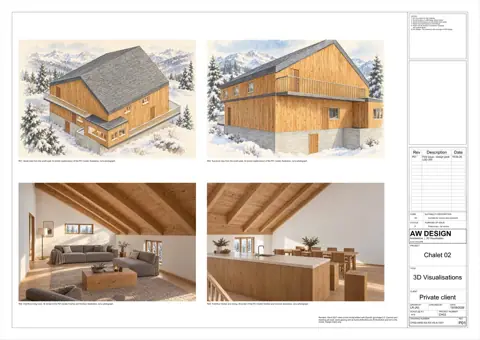
Revit a couple of days ago, SketchUp today. Both routes work.
想自己試?我嘅 AI Agent 入門班,5 堂 1 對 1,用 Claude app 或者 Hermes 都得。建築師朋友可以加埋「AI 控制 SketchUp」同「AI 起 Revit model」呢兩課。
Want to try it yourself? My AI Agent starter course is five one-to-one lessons, on the Claude app or Hermes. Architects can add the "AI drives SketchUp" and "AI builds a Revit model" lessons.