03 / Courses
Build an AI agent of your own
One-to-one online lessons, no coding: you leave with an agent that knows your work.
Class 1 · Basic
Your own AI agent
- Format
- One to one on Google Meet, times shown in UK and HK time
- Length
- Class 0 (first lesson, free, 60 minutes) + Classes 1–5, 1 hour each
- Class 0
- A free consultation: I get to know your work and what you need, so Classes 1–5 fit you. Classes 1–5 are booked after Class 0.
- Fee
- HK$2,400 (HK) / £250 (UK), paid after Class 1
- For
- Anyone, no coding. Nothing to install first: we do it together in Class 1
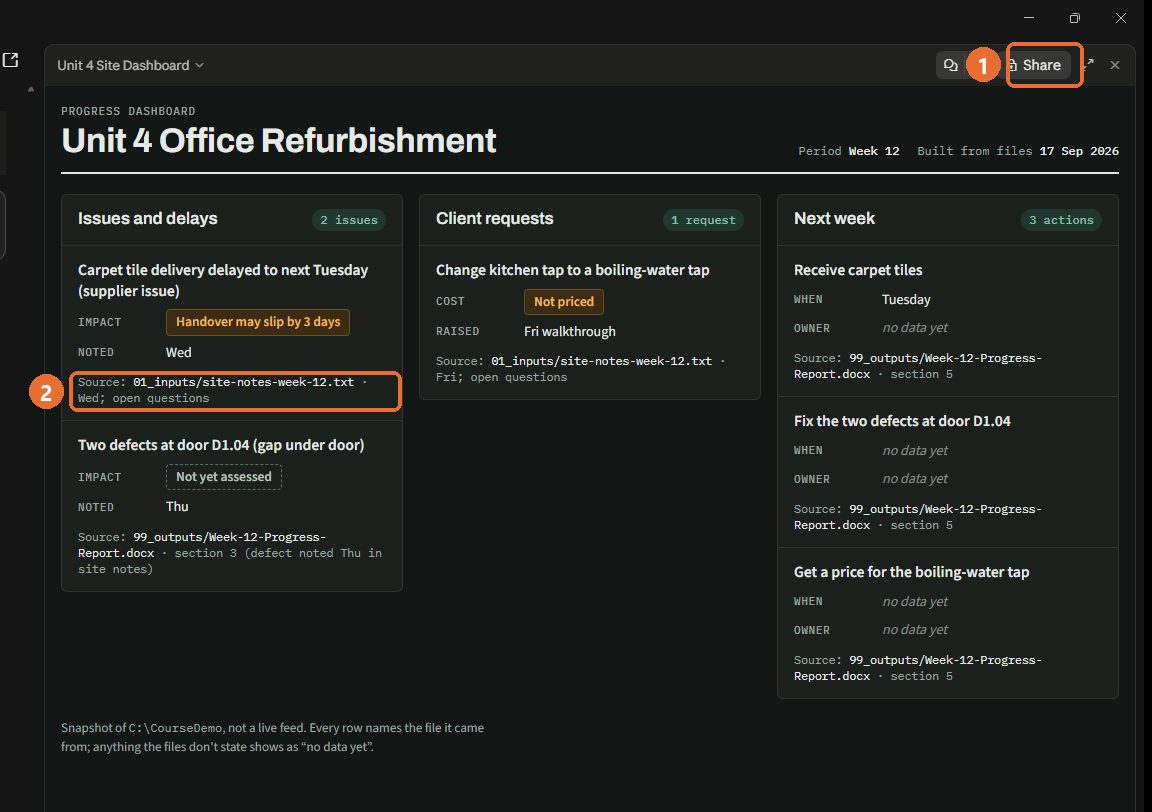
- Boot it up Your own agent on your PC and phone. It reads your project folder and asks before deleting anything.
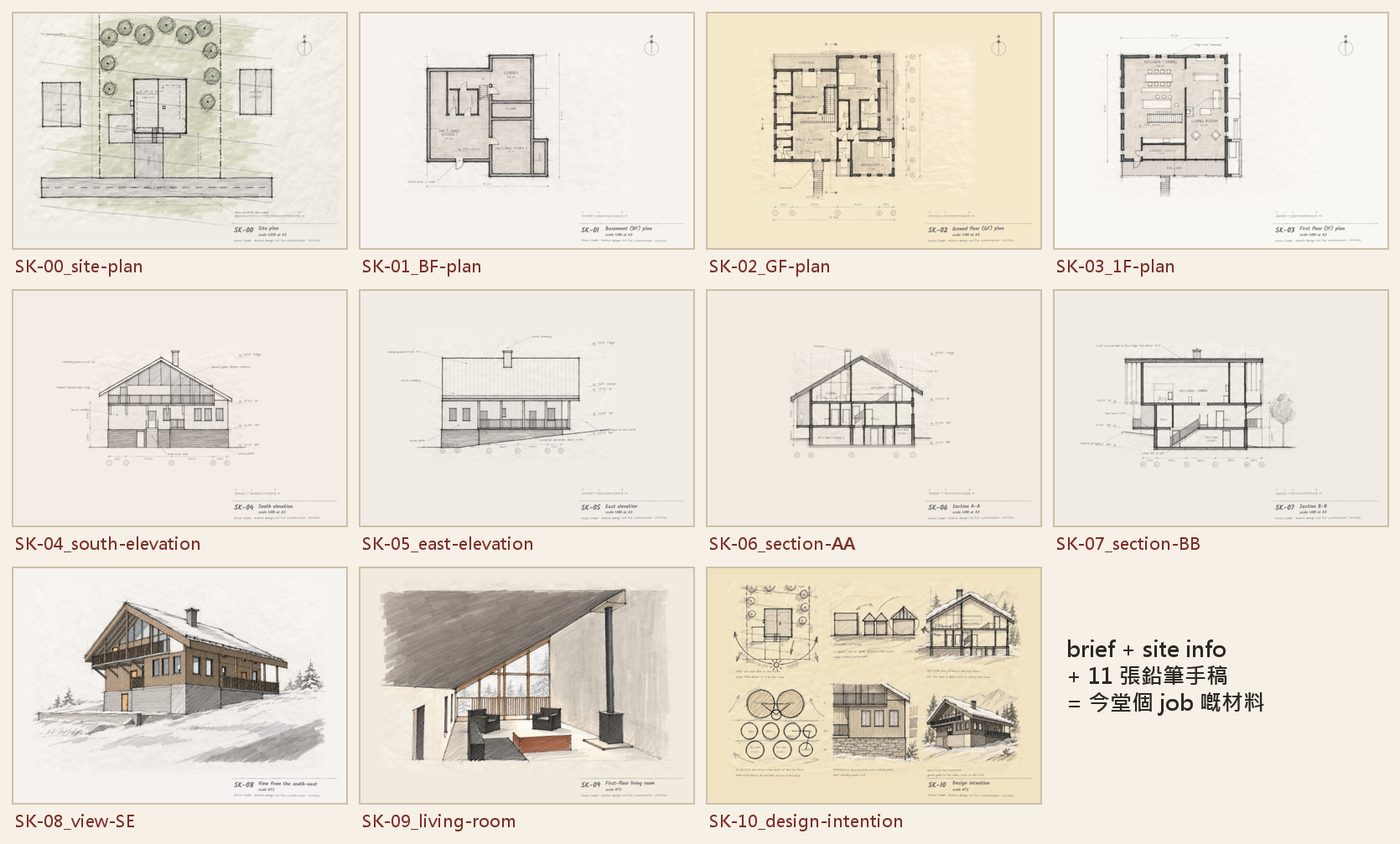
- Anatomy Teach it to follow a handbook: it opens a real project and reads your hand sketches into a design brief.
- Rebuild it One helper builds the SketchUp model, a second one checks it. You only talk to your agent.
- From reading to doing Helpers make three renders, a Word write-up and a first draft of a web page, each one checked.
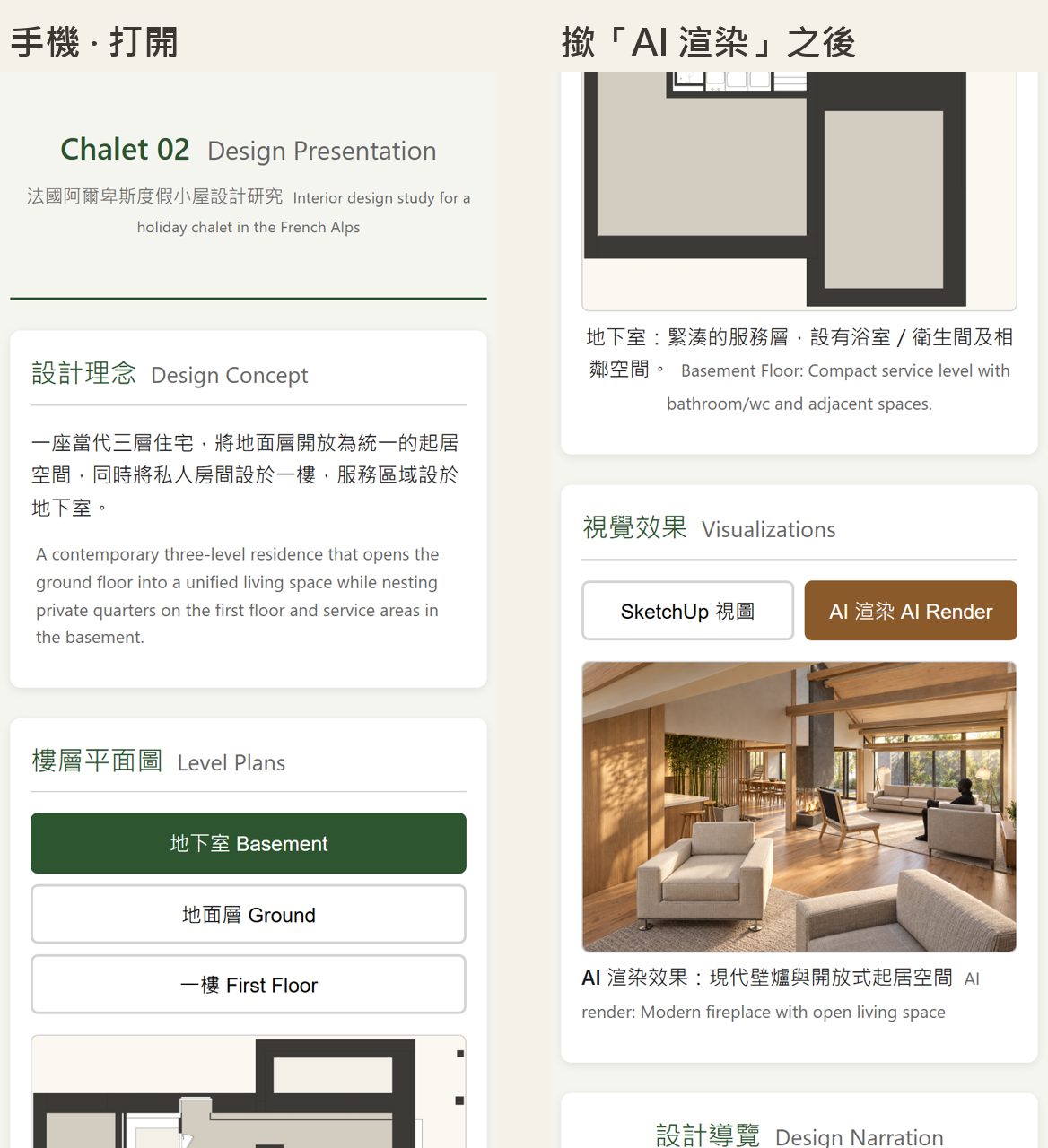
- One of a kind A one-page project website that goes out only after you approve it on your phone.
Two versions, same five lessons: Hermes Agent + Ollama, no Claude account (Hong Kong, mainland China) · Track B Claude app with Claude Pro (UK). Not sure? Choose "not sure" when you book.
Class 2 · Advanced, building industry
Your AI company, from DPR to GBP
Enrolling · from Sat 24 Oct, Saturdays
- Format
- Set up your own AI company in Hermes with Kimi and Revit, then take one project from a Development Potential Report (DPR) to general building plans (GBP)
- Length
- 3 lessons, 2 hours each; homework due 2 days before the next lesson
- Fee
- HK$3,400 (HK) / £350 (UK) for the whole course
- For
- Building industry, after the basic class (exemption on application); own Windows PC with Revit; your own Kimi Pro plan
- Lesson 1 · Your AI company and the DPR department Connect Hermes, Kimi and Revit into one AI company, then add a DPR department. Homework: your DPR.
- Lesson 2 · Review your DPR, then the GBP department We go through your DPR together, then add a GBP department. Homework: 6 Revit GBP sheets and an area check.
- Lesson 3 · Review your GBP, graduation We go through your GBP sheets and area check, then you graduate.

Book in the student portal. Finished the basic class? Pick your times straight away. Not taken it? Apply for an exemption in the portal.
Free reading
AI 101
- Format
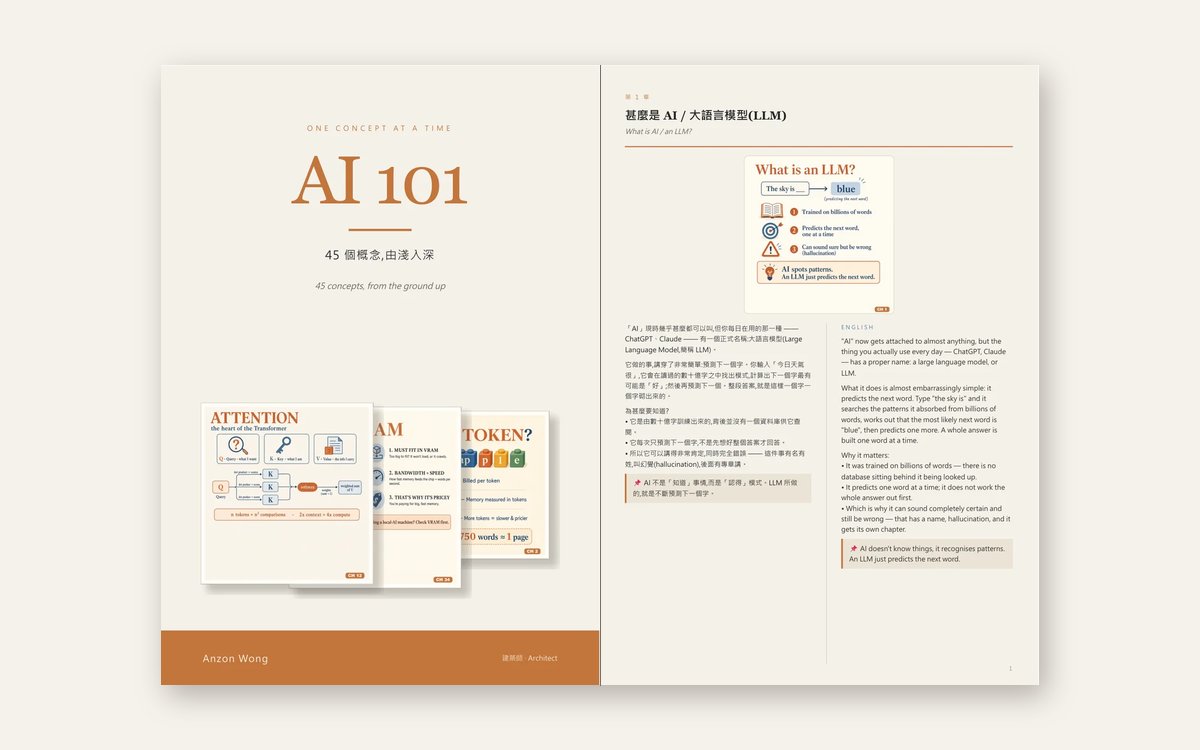
- Free handbook: flip through it online or download the PDF
- Length
- 45 ideas behind today's AI, one per page
- Language
- Chinese and English, side by side
- For
- Anyone, from the basics to the advanced
 Open AI 101 →