AI-101 Day 43: Computer-use agents, the model watches your screen and moves the mouse
Day 40 described the agent loop: think, act, look, think again. Today is what happens when "act" isn't an API call but your actual mouse.
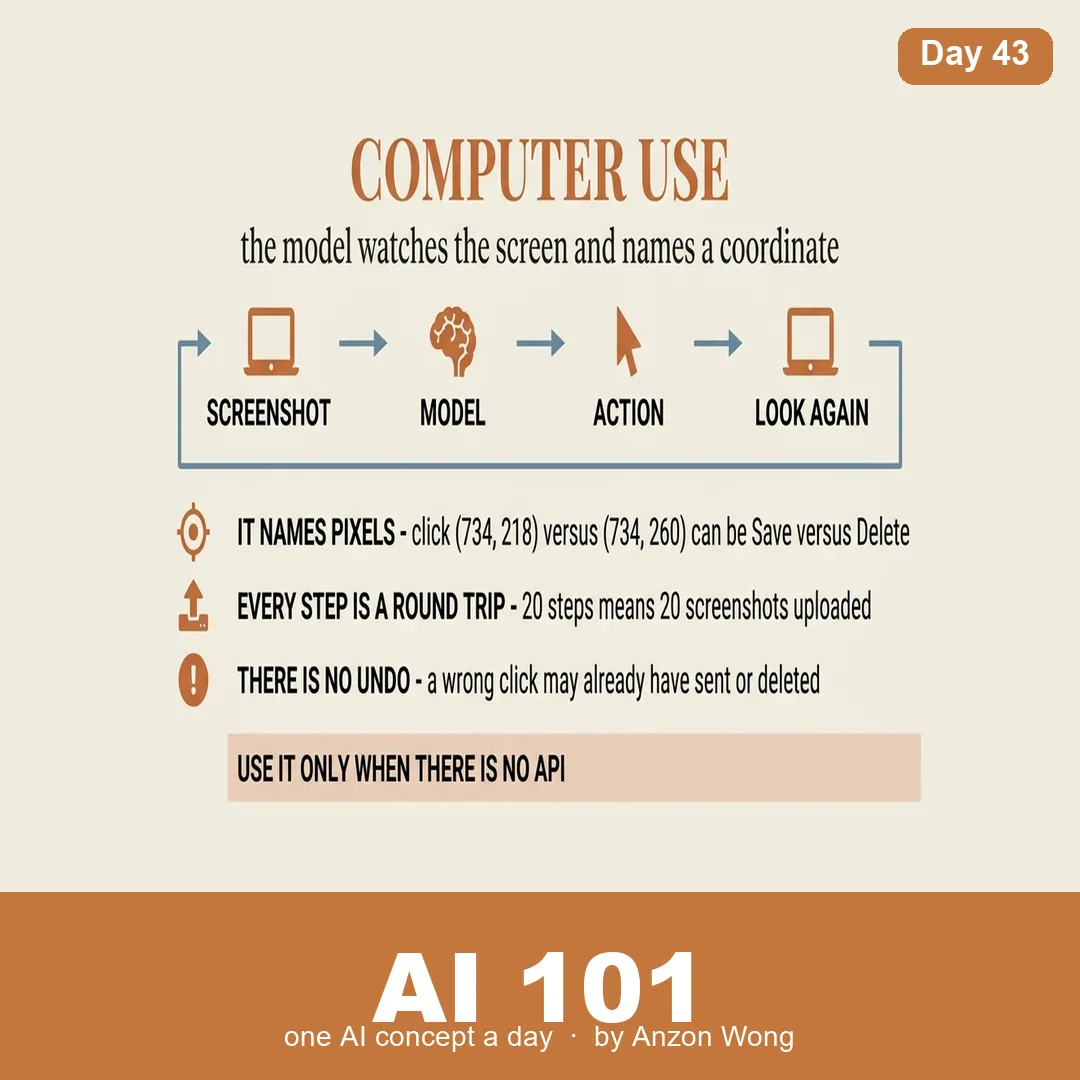
🖱 The loop. Screenshot → send the image plus your task to the model → the model returns an action ("click (734, 218)", "type 'hello'", "scroll down") → a local program actually performs it → screenshot again.
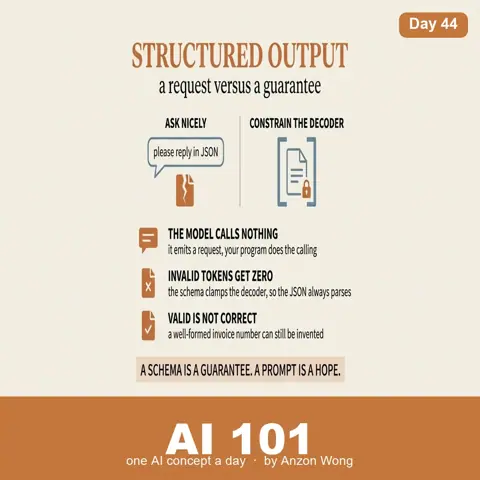
The Day 40 point holds and matters more here: the model moves nothing. It only ever emits text saying where it would like to click. Something outside it moves the mouse. So "what can it do" is not a question about the model, it is a question about what you let that program touch.
📍 Why it's hard: it has to name coordinates. In writing, being slightly off still means something. Clicking (734, 218) versus (734, 260) can be Save versus Delete. And the model usually isn't seeing your native resolution, the screenshot is downscaled before sending (otherwise it's slow and expensive), so its coordinates must be mapped back. Get that mapping wrong and it misses everything, consistently. Display scaling at 125%? Map again.
⏱ Every step is a full round trip. One screenshot uploaded per step; a twenty-step task means twenty images and twenty round trips. It is slow, and the cost scales with the number of steps rather than the difficulty of the task.
One screenshot uploaded per step; a twenty-step task means twenty images and twenty round trips.
⚠️ And there is no undo. A wrong sentence gets rewritten. A wrong click may already have sent, deleted or purchased. A GUI has no dry-run.
🔧 Practical decisions from the one running on my own machine:
• Attended only, never left to run with nobody watching
• A physical abort, slam the mouse into the top-left corner and it stops, without relying on the model to comply
• A step cap (30 by default), the loop has no natural end, which was Day 40's point
• One confirmation before the first action, not before every action, or you stop using it
One practical constraint: this needs the Messages API, the Claude Code CLI doesn't expose the computer-use tool, and the vision model runs in the cloud, because a 6GB laptop cannot host one.
🧭 When to use it: don't, if an API exists. An API call is sub-second, accurate and retryable; computer use is an order of magnitude slower and it will misclick. Its real value is narrow and real: most software has no API. Legacy systems, internal tools, a supplier's web portal, sometimes a screen is all there is.
📌 Takeaway: computer use is the API of last resort. Not because it's clever, but because some doors only open if you walk over and push them.