Add one 80 m block on Robinson Road in Mid-Levels
Add one 80 m block on Robinson Road in Mid-Levels. An east wind and a south wind give you two completely different pictures. 🌬
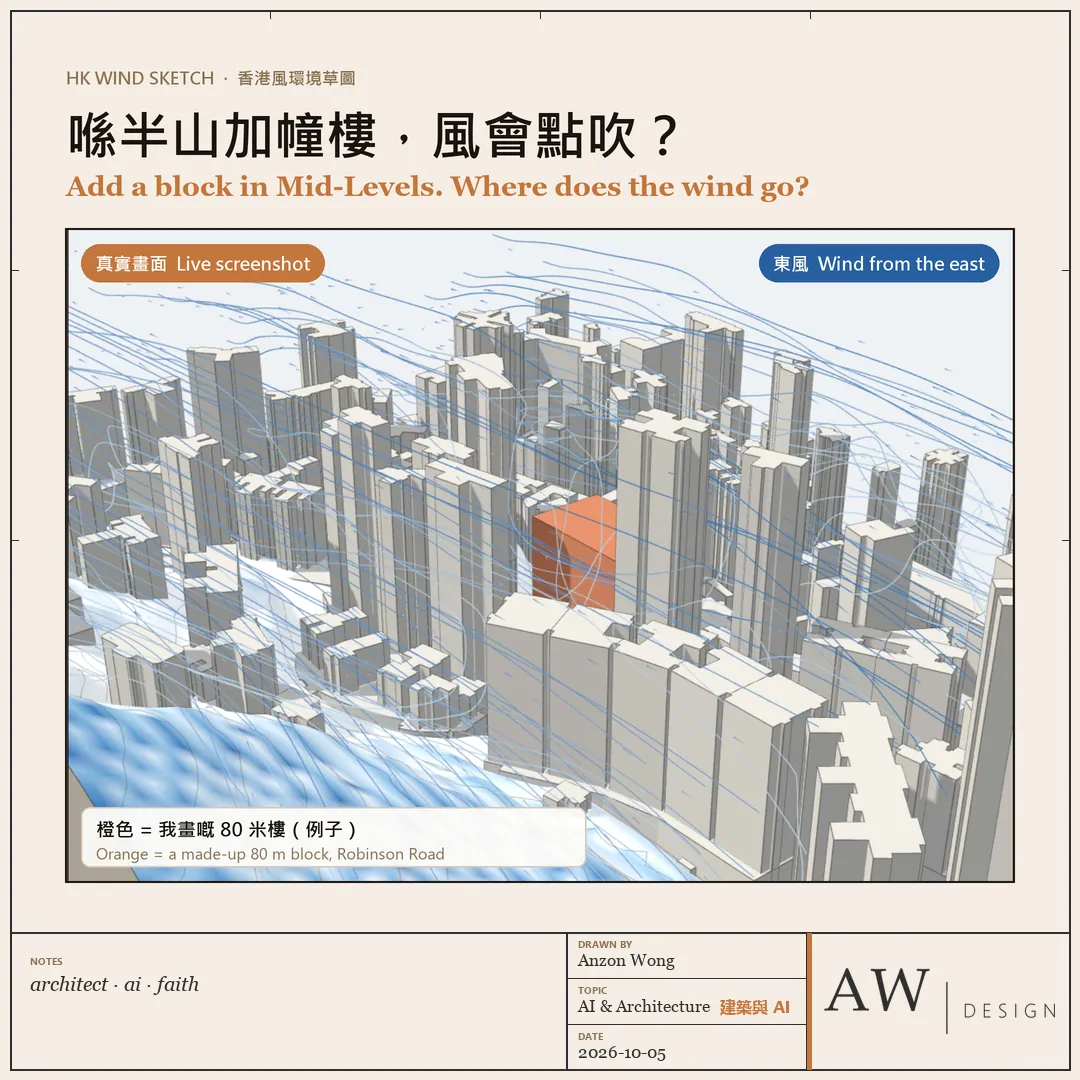
This is a small tool I built with an AI agent, HK Wind Sketch (香港風環境草圖). Today I took it out for a wind test:
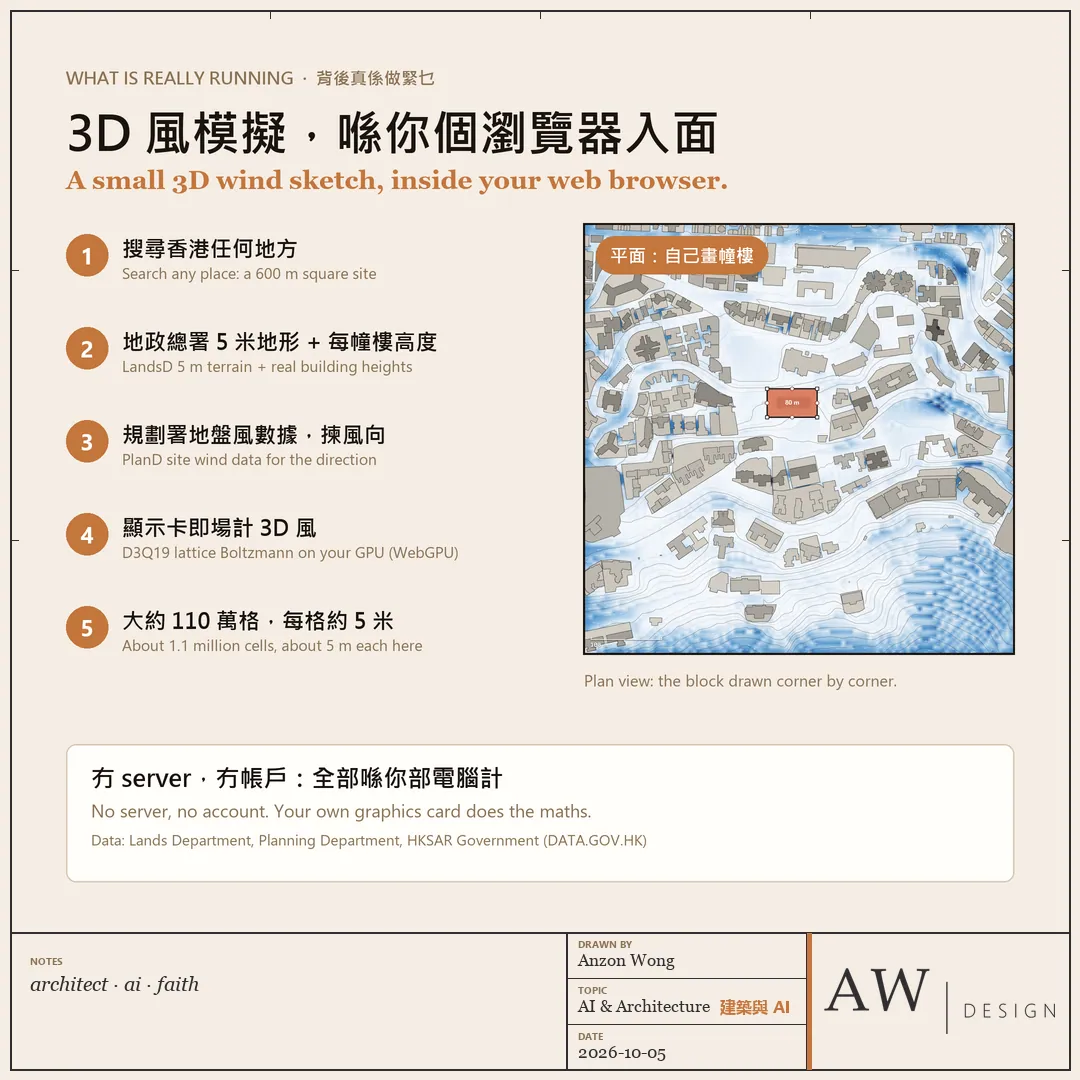
・Type "Robinson Road" and the page pulls the Lands Department's 5 m terrain and the real height of every building, then builds a 600 m square site.
・Wind directions come from the Planning Department's site wind data, and you choose which one to try.
・Draw a block in plan, corner by corner, switch to 3D, and the wind is computed live on your own graphics card, about 1.1 million cells.
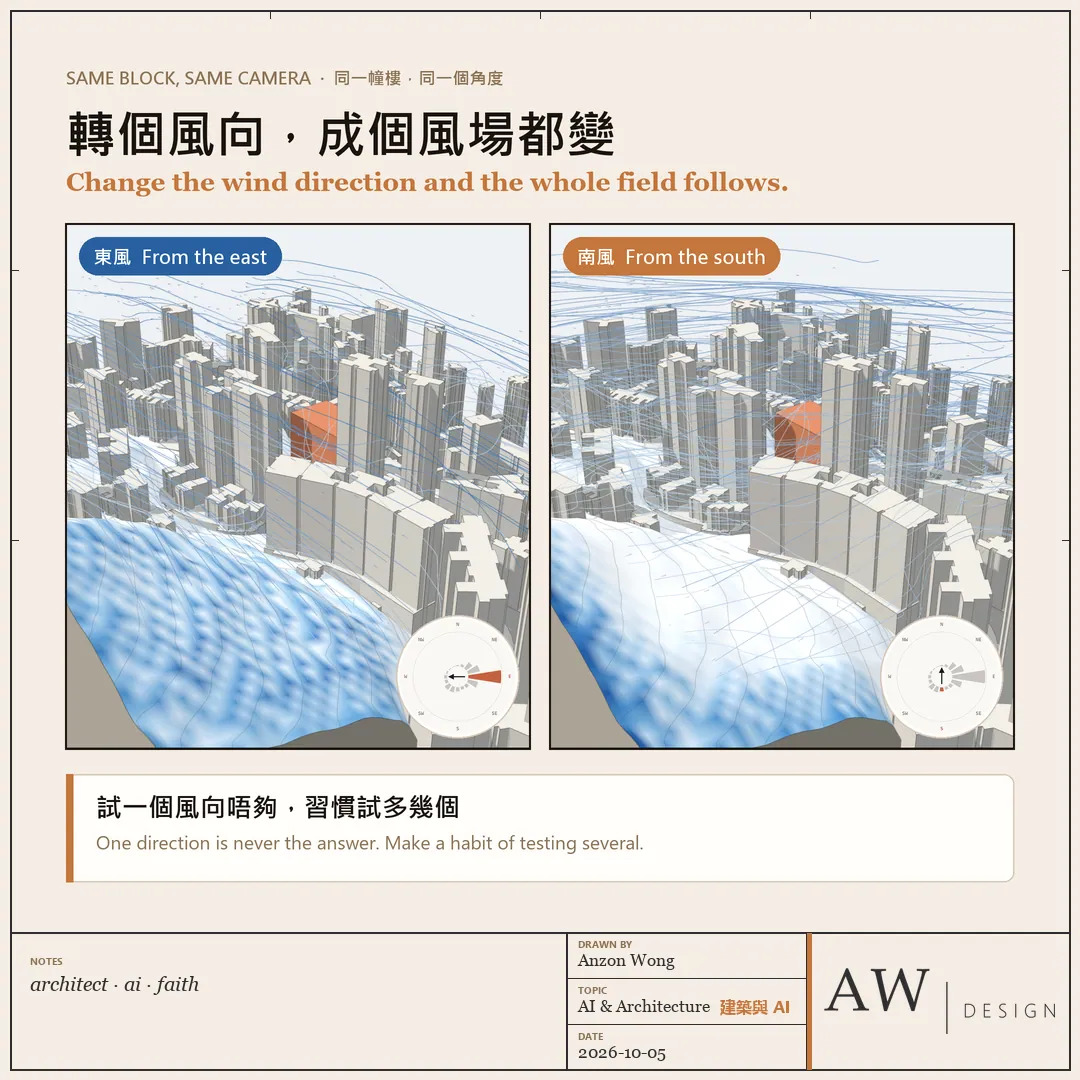
・Streamlines climb the slope and bend around the towers. Same camera, east wind to south wind, and the whole field changes.
For me the useful part is not a pretty picture. It is asking the right questions early: where does the tower sit on the podium, which way does it face, should a gap stay open to the prevailing wind? The formal study usually comes once there is a scheme, but those choices are made long before.
Same camera, east wind to south wind, and the whole field changes.
The caveats, plainly:
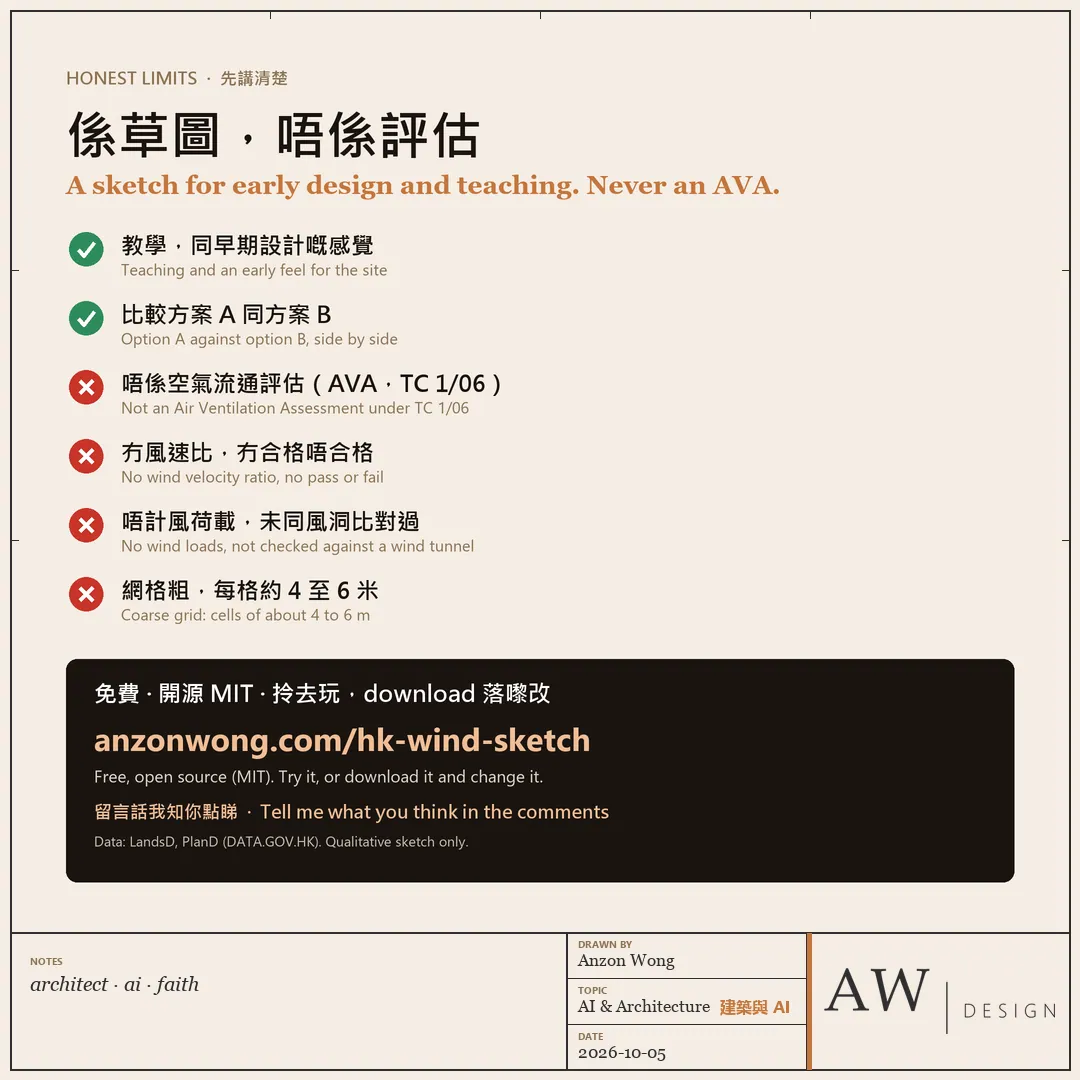
・It is a sketch for teaching and early design. The grid is coarse, cells of about 4 to 6 m, so narrow lanes close up.
・It is not an Air Ventilation Assessment (AVA) under TC 1/06. No wind velocity ratio, no pass or fail, no wind loads, and it has not been checked against a wind tunnel.
Free and open source (MIT). Try it, or download it and change it with your own AI agent:
anzonwong.com/hk-wind-sketch/
Data: Lands Department and Planning Department, HKSAR Government (DATA.GOV.HK).
Which corner of Hong Kong would you test first? And if you work on air ventilation, at which design stage would a sketch like this help most? Tell me what you think in the comments 👇
The same topic on LinkedIn: Hong Kong decided twenty years ago that wind at street level is a planning matter
More in Lab
All →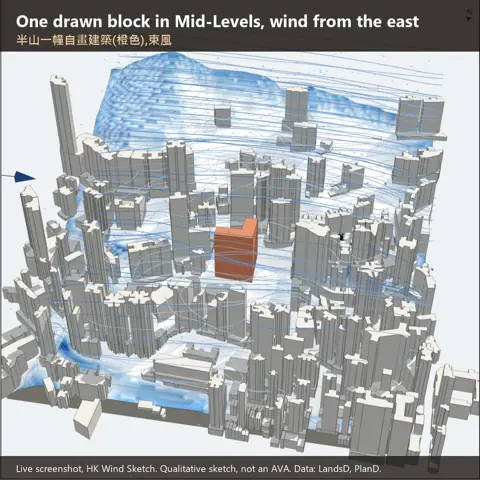 Hong Kong decided twenty years ago that wind at street level is a planning matter
- LabA drawing set is already a specification. I tested how far that goes30 Sep 2026A drawing set is already a specification. I tested how far that goes
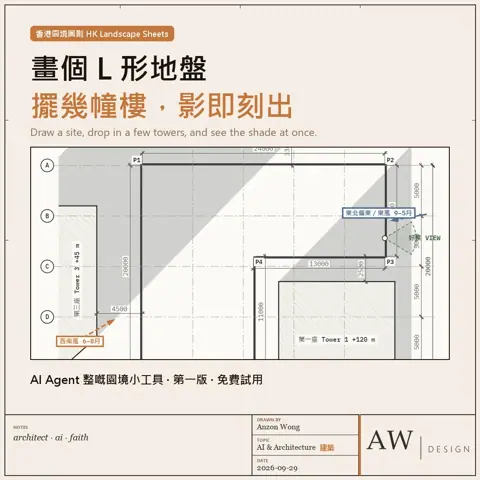 Draw an L-shaped site, drop a few towers on it, and see straight away where the garden…
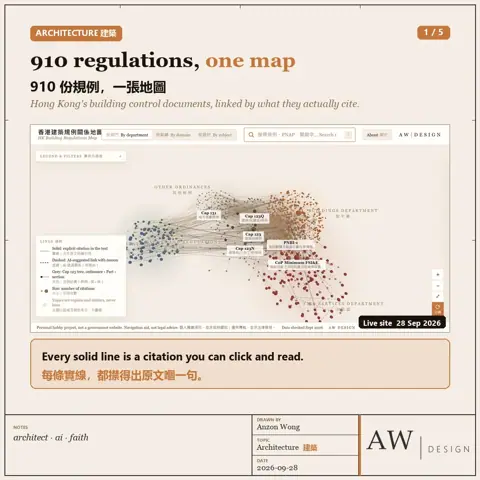 One of my students, preparing for the AP exam, had an idea