I tried: skipping PowerPoint and having AI turn a whole design into an interactive HTML…
🖥️ I tried: skipping PowerPoint and having AI turn a whole design into an interactive HTML presentation
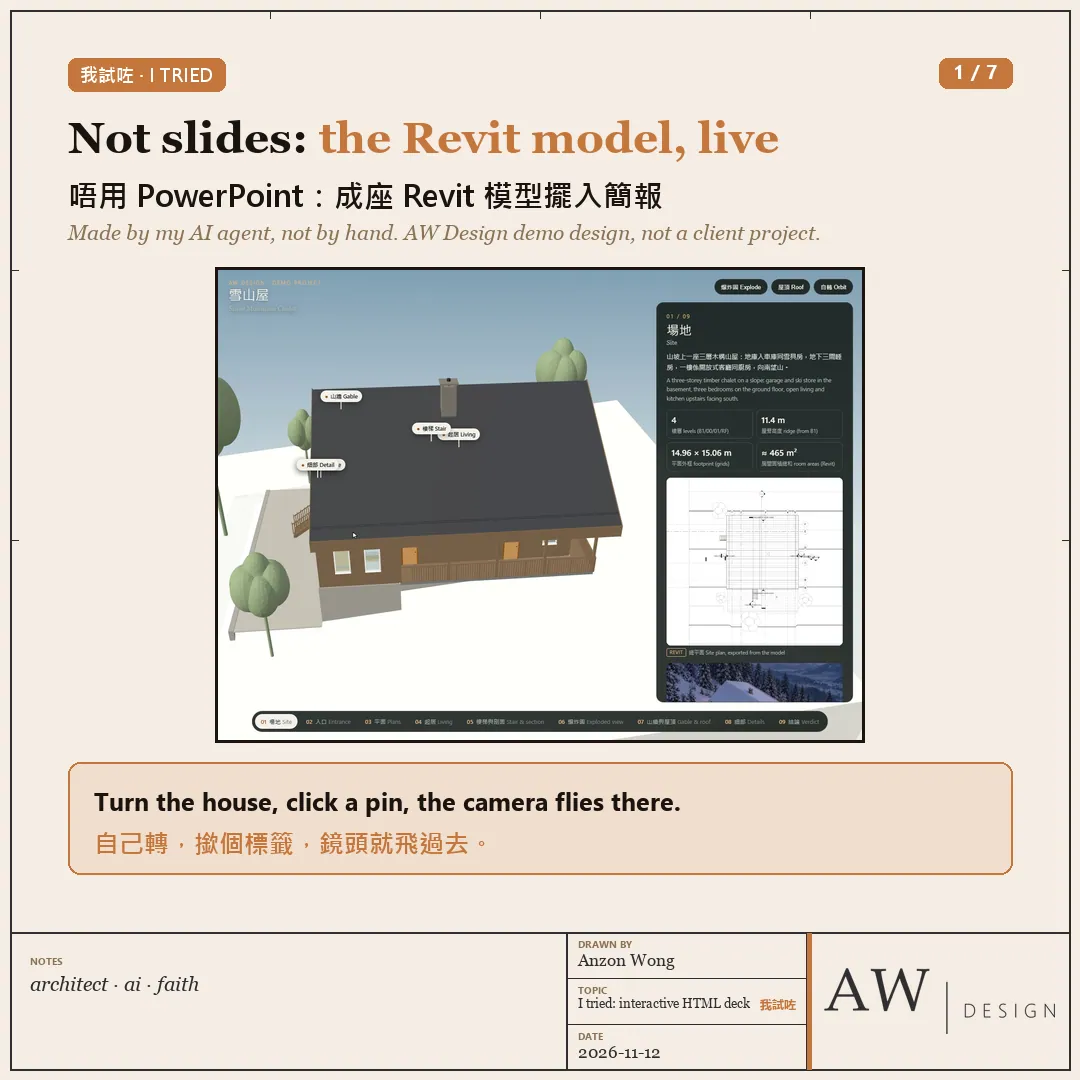
We've always presented designs in PowerPoint, one slide after another. This week I tried another way: put the whole design into an HTML presentation the client can turn and click through themselves.
To be clear: I didn't make this by hand. My AI agent made it on my PC, using our own demo design, the Snow Mountain Chalet. Not a client project.
No fake drawings. Everything is a real output:
・3D: exported straight from the Revit model, the whole house turning in the browser
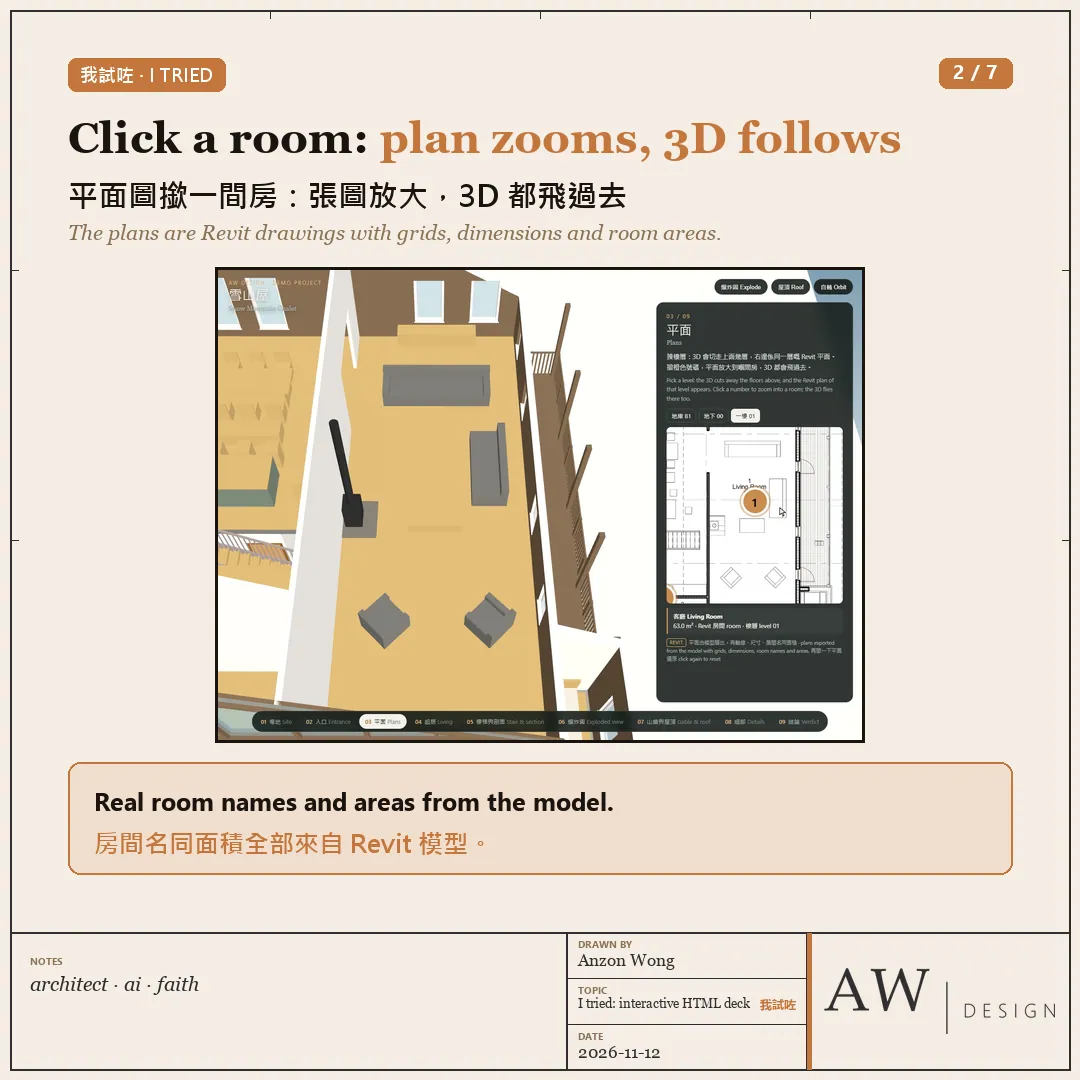
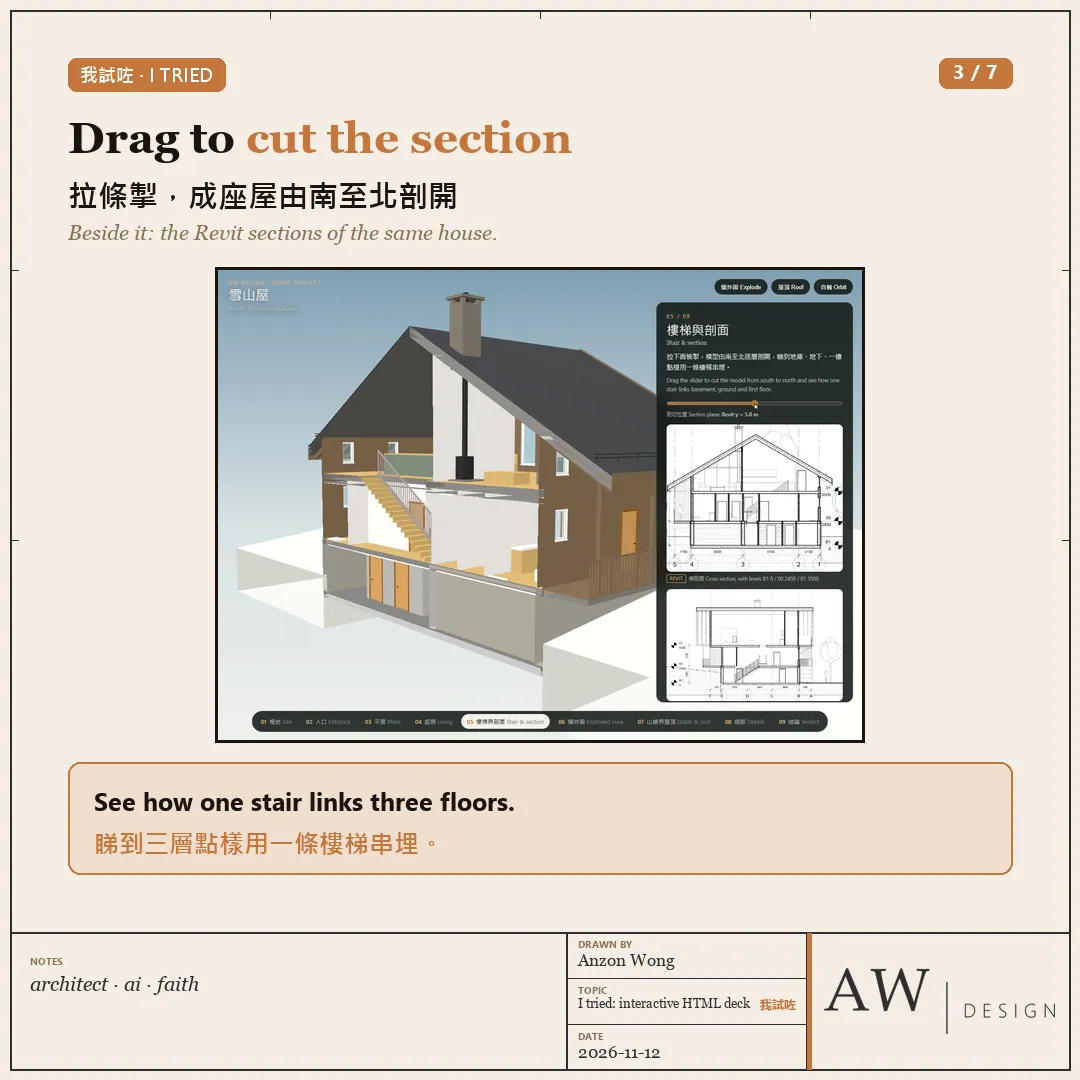
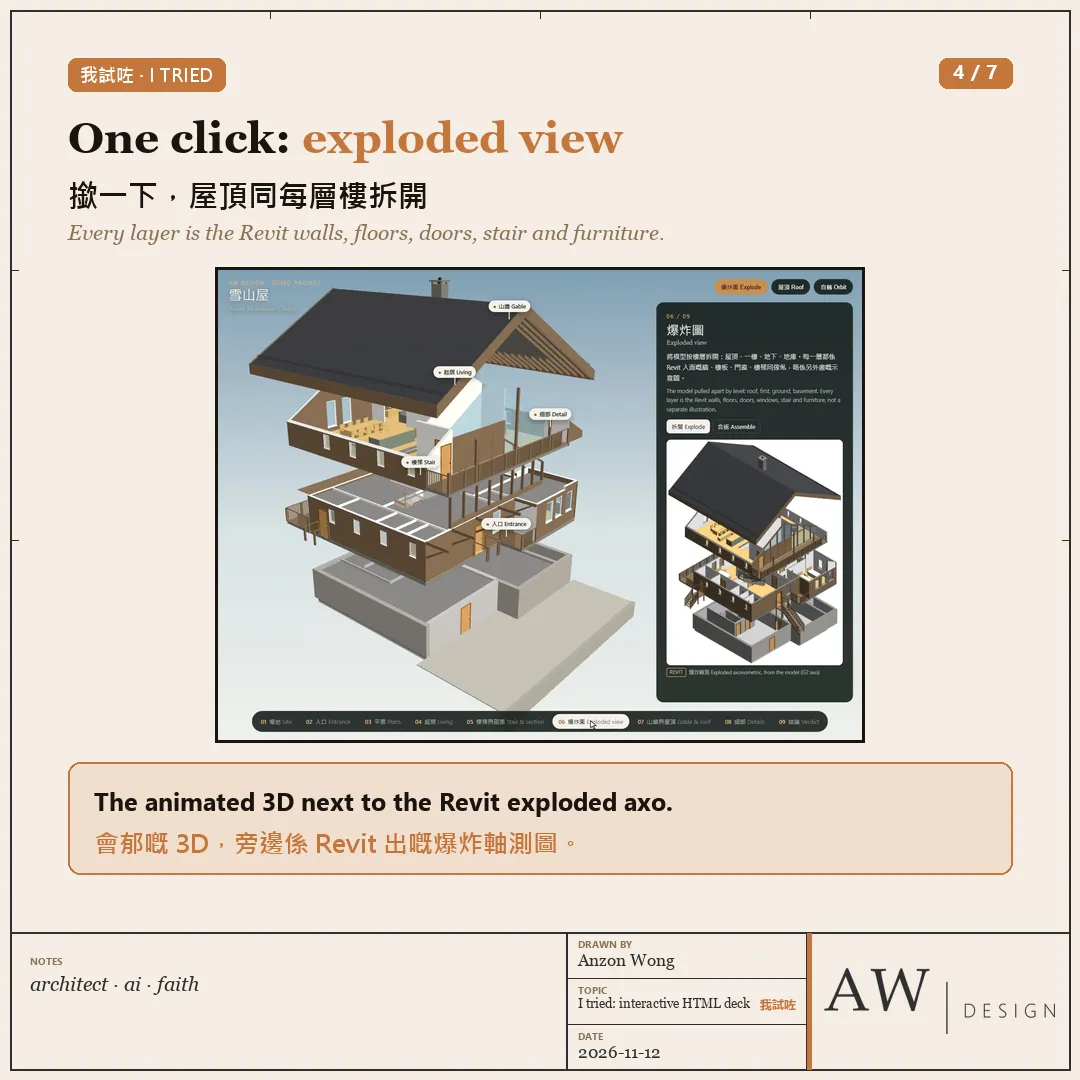
・Plans, sections, site plan, exploded view: all Revit drawings, with grids, dimensions and room areas
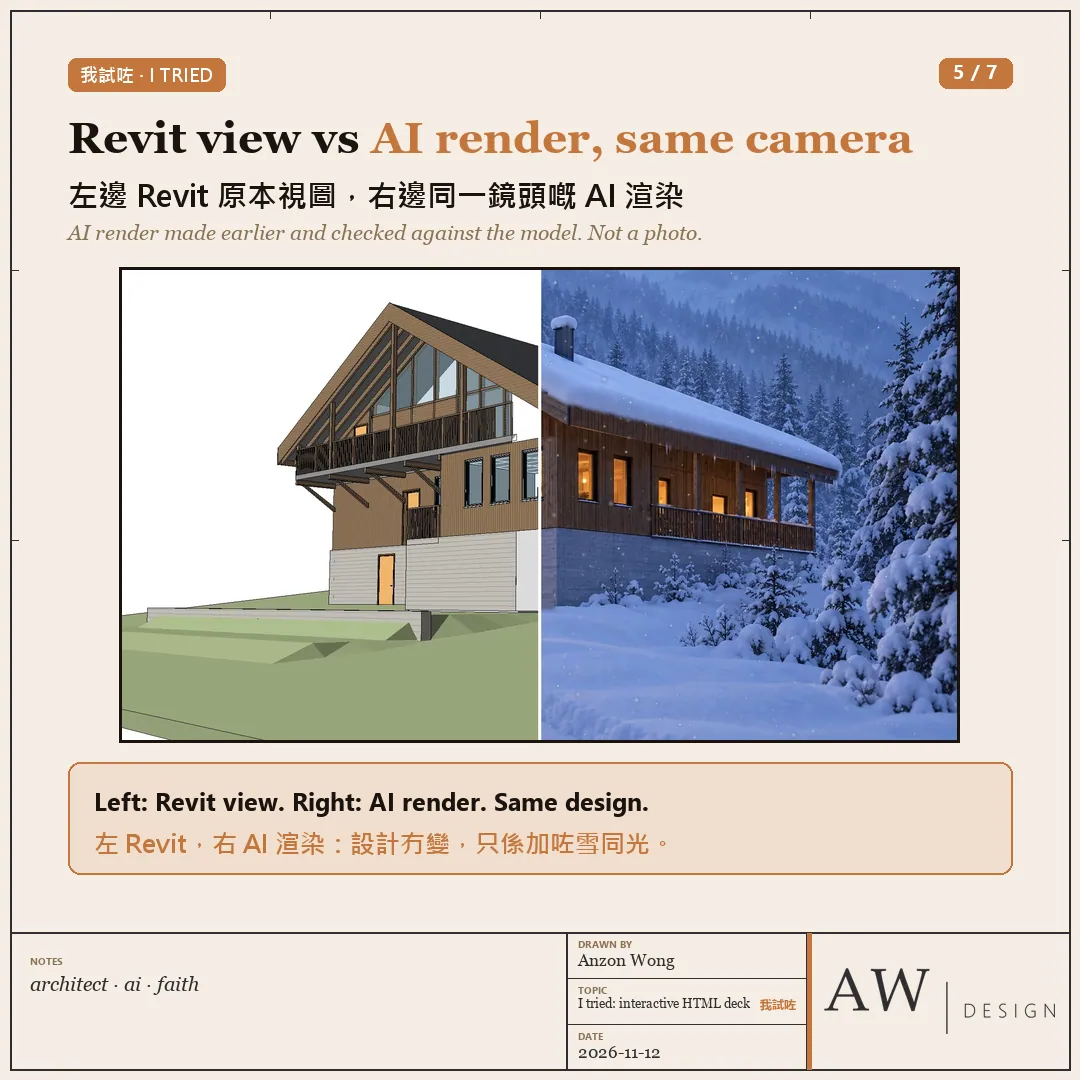
・Renders: AI renders made earlier and checked against the model
What it does:
・Click a chapter and the camera flies there: entrance, living room, gable, balcony detail
・Click a room on the plan: the drawing zooms in and the 3D flies there too
・Drag a slider to cut the house from south to north
・One click pulls the roof and every floor apart into an exploded view
・Drag the middle line: the Revit view on the left, an AI render from the same camera on the right
・One folder that opens offline; tested on desktop and phone sizes
My AI agent made it on my PC, using our own demo design, the Snow Mountain Chalet.
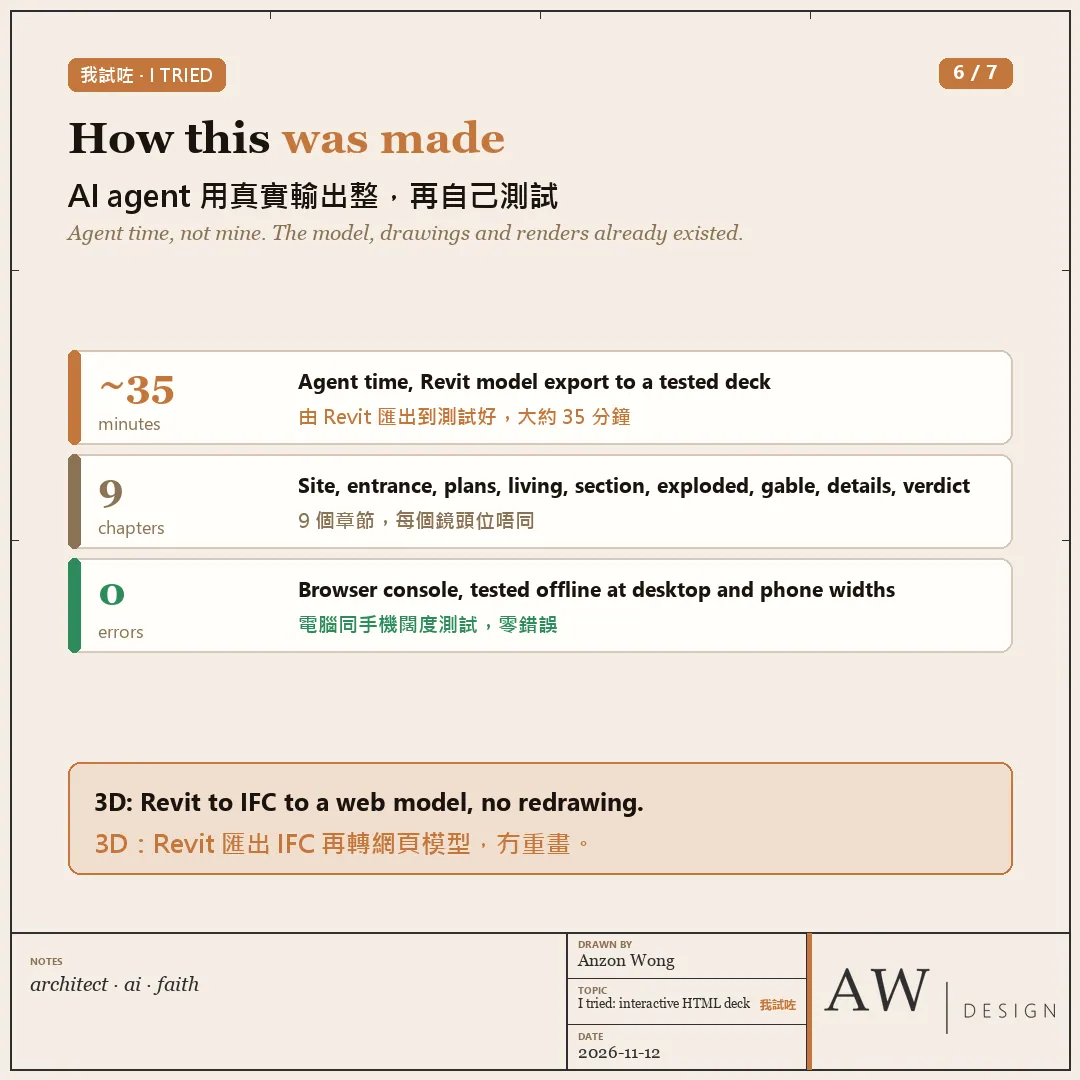
How long: from Revit model export to a tested presentation took the agent about 35 minutes. The Revit model, drawings and renders already existed.
👍 Where HTML is better
・The client stops watching and starts exploring: turning the model, dragging the section, clicking the plans
・PowerPoint can't do this: in slides it all becomes a few screenshots
👎 Where HTML falls short
・Some company email blocks HTML attachments, so send a link or a zip
・Sign-off and printing still need a separate PDF
・A client who wants to edit the text will find it harder than PowerPoint
In Hong Kong: Claude and ChatGPT are not officially offered; you can use Gemini, or run open models on your own PC with Ollama. The interactive parts (three.js and similar) are free and open source.
My verdict: present with HTML so the client can explore; for sign-off and printing, still attach a PDF.
Would you show a client an interactive presentation?
Want to try? Comment "AI" and I'll send you the free first-lesson booking link 👇
More in AI news
All →- AI newsOne of the world's most valuable AI companies was led by its founder for more than thirty…13 Nov 2026One of the world's most valuable AI companies was led by its founder for more than thirty…
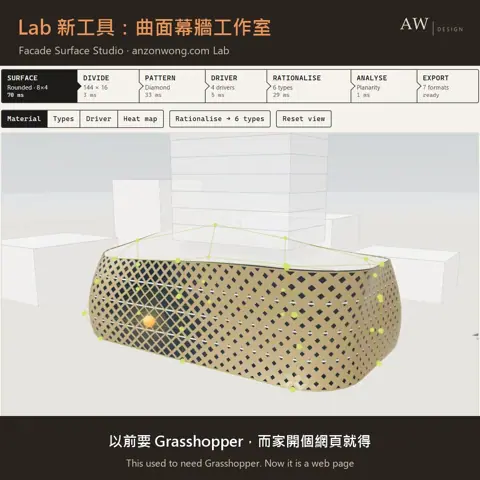 A repeating pattern on a curved skin, growing and shrinking by position, has long been a…
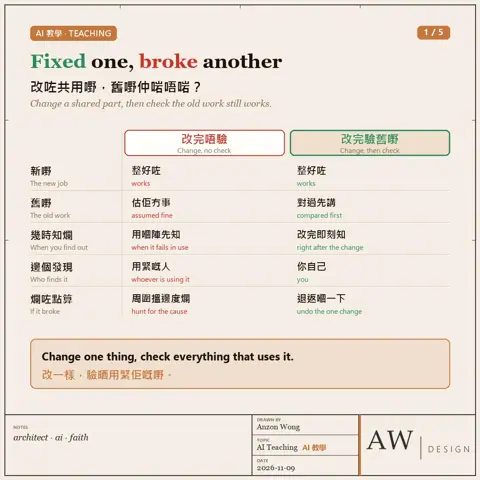 AI Teaching · You changed a shared part. Does the old work still work?
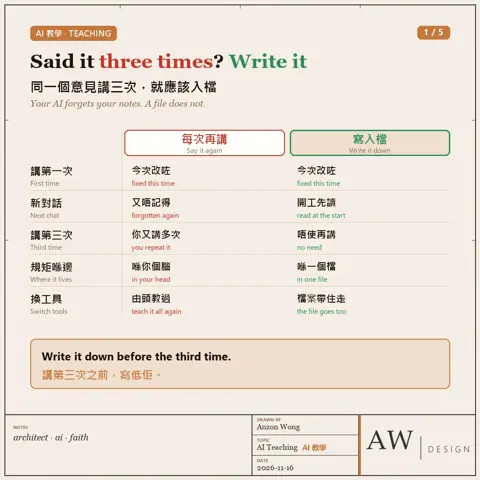 AI Teaching · Said it three times? Write it down